Duplicate and move dashboard widgets
Configuring a dashboard widget can take some effort. It is not uncommon to want a similar configuration in another widget. To help us create such dashboard widgets faster, we can duplicate and move dashboard widgets.
The duplicate functionality copies the widget with all its data, filters, and design settings. We can also move a widget from one dashboard view to another.
Let’s say we are analysing a Purchase-to-Pay process log and have built a widget showing the average duration for the invoice management stage. This means certain filters were applied on the widget. We have also configured the appearance of the widget. If we wish to display another widget for the delivery stage, we can duplicate the widget and change the filter.
Right-click the widget you want to copy and click Duplicate.
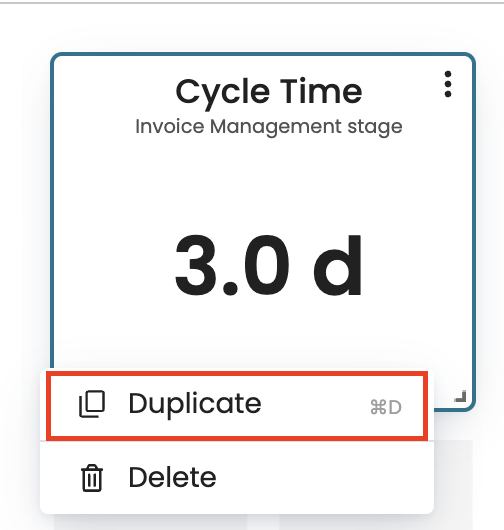
This creates the same widget where we can now make any further adjustment.
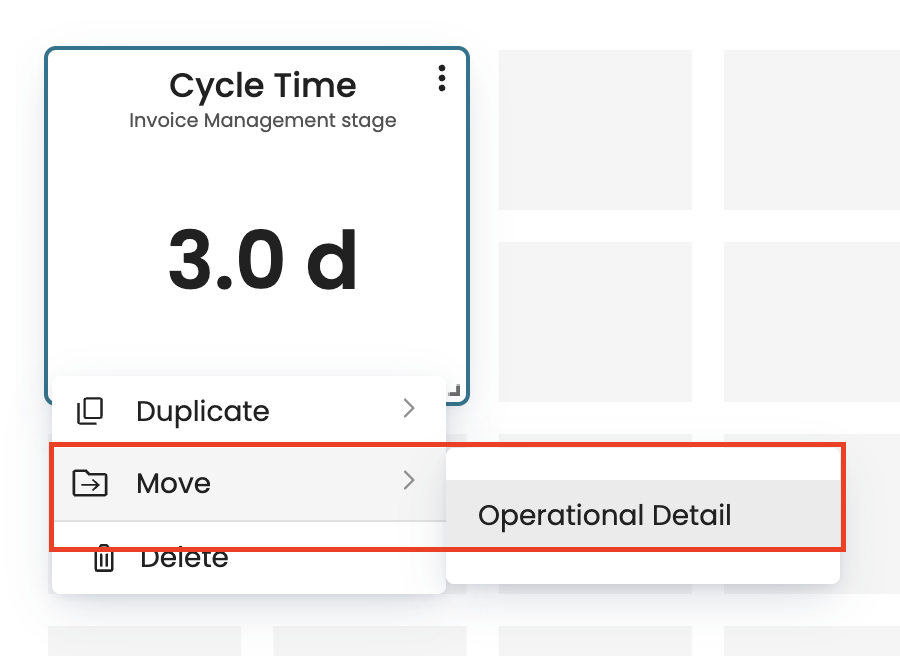
We can move widgets between dashboard views if we have multiple views. Right-click the widget, select Move, and then click the view we wish to move it to.