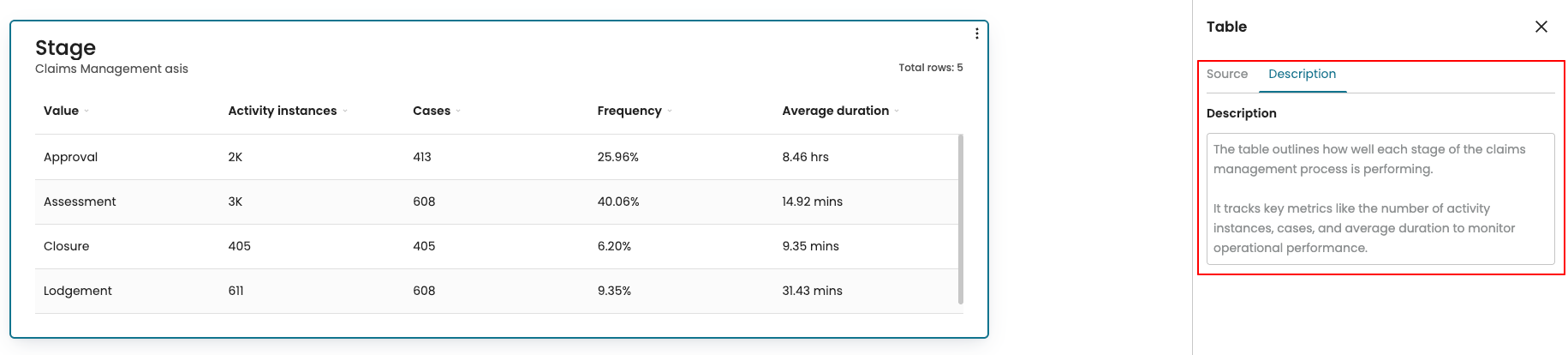
Add a description to widgets
To provide more context and clarity around the data presented, we can add descriptions to widgets in a dashboard. A description can be added to the following widgets:
Tile
Chart
Table
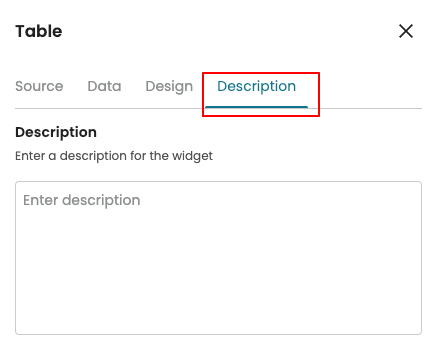
To add a description, in the dashboard edit mode, click the widget. This opens the settings panel. Go to the Description tab.
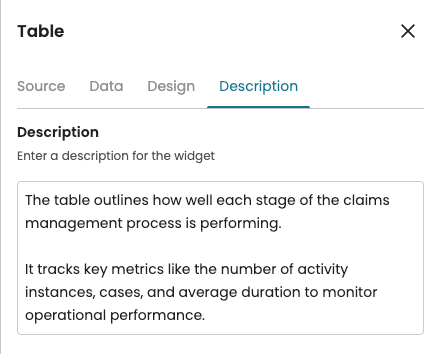
Suppose we have created a table that shows the performance metrics across various stages of the process. Enter a short description.
Note
The maximum number of characters for a description is 1000.
After adding a description to a widget, viewers can see it in the dashboard’s View mode. Click the More options button (the three vertical dots) on the widget and select Info.
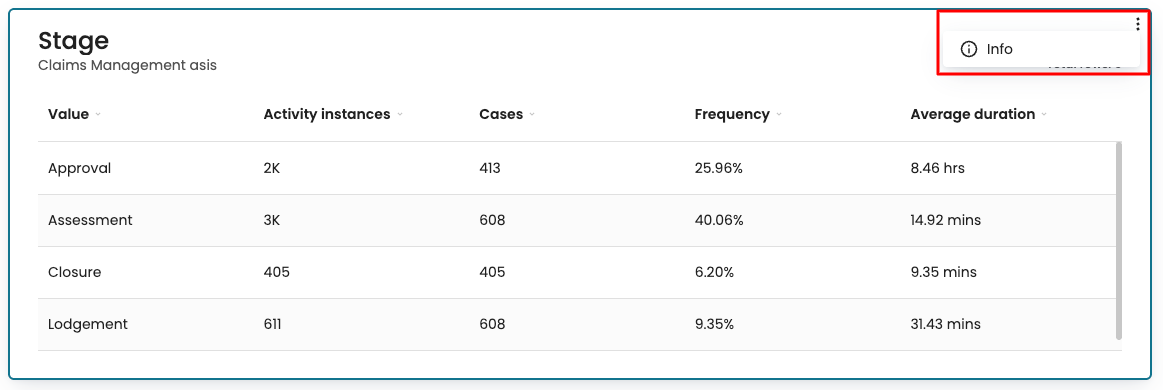
This opens the settings panel. Go to the Description tab to view it.