Delete a filter
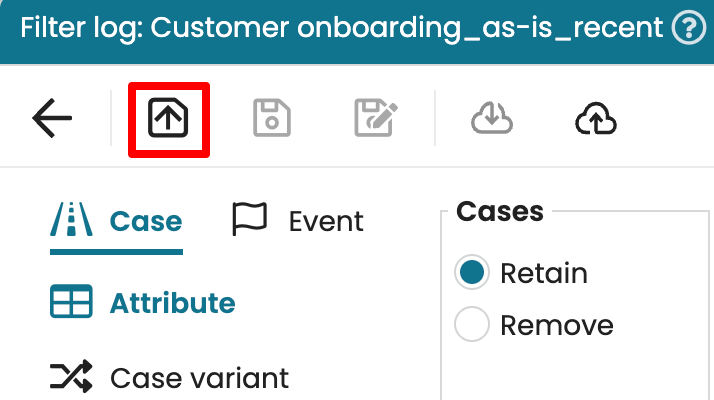
We can delete a saved filter in Apromore. Open the Filer log window and the Open icon to display the saved filters.
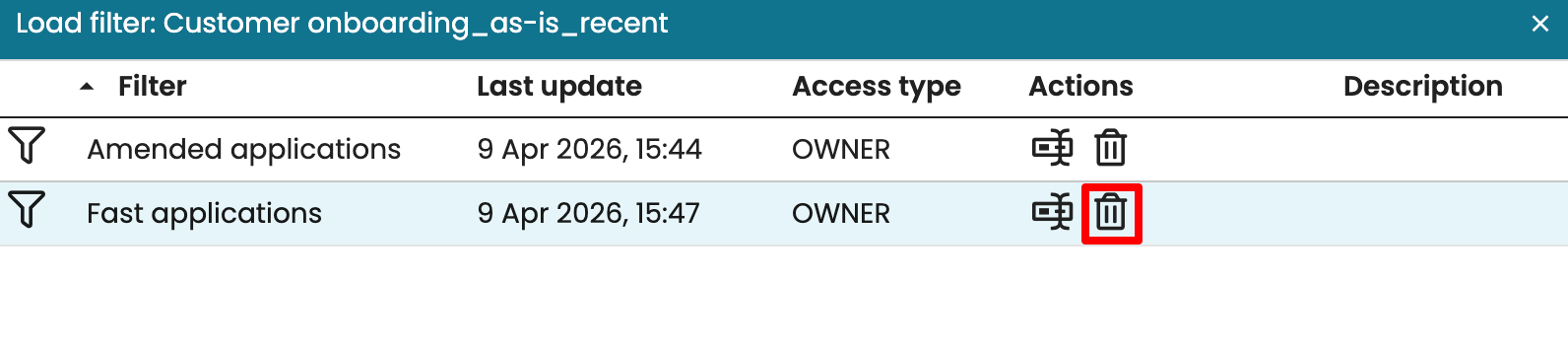
This opens a list of saved filters. Select the filter to delete, then click the delete icon.
We can delete a saved filter in Apromore. Open the Filer log window and the Open icon to display the saved filters.
This opens a list of saved filters. Select the filter to delete, then click the delete icon.