Download a Process Definition Document (PDD)
Understanding how work is performed is essential when aiming to improve or automate a process. Task mining reveals real user actions and the exact sequence of steps taken, but automation requires those steps to be clearly documented and shareable. To make this easier, we can generate a Process Definition Document (PDD) directly from a task mining project. The PDD provides a clear, step-by-step record of how a specific case was executed, using the traces captured by the digital agent.
The PDD is a Word document with a structured template. We can create our template or Apromore’s default template.
To create a PDD, open the task mining project. Click Configure and Download.
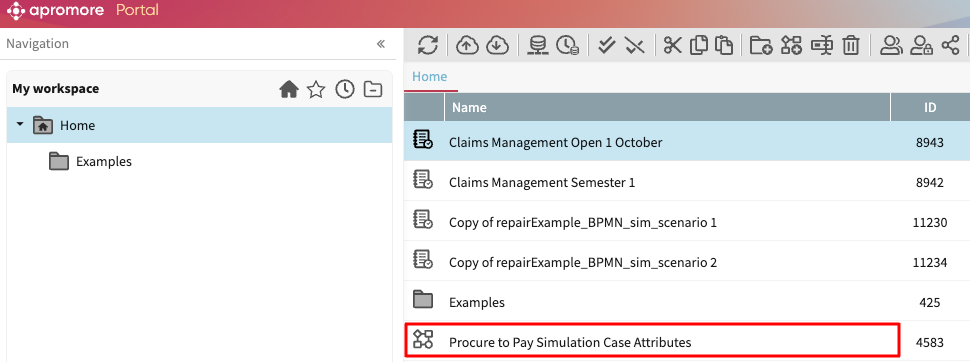
Choose the event log name and enter the case identifier for the case you want to document. The case identifier must correspond to one captured by the digital agent.
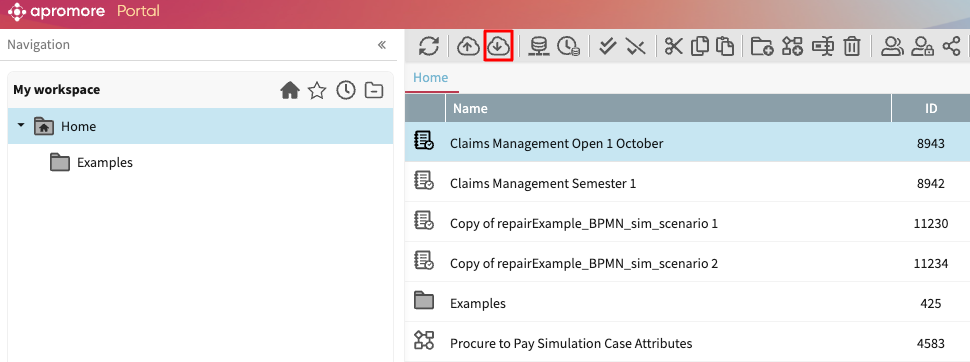
Click Download PDD to generate and download the Word document.
The document lists all events that occurred in the selected case, along with contextual information. It can be further refined and used by process analysts or automation teams as input for robotic process automation (RPA) design.
Note
The PDD template can be changed to match your specific template, including any logos or other customizations. Please create a support ticket to set your template.