Delete a compliance item
Apromore allows us to delete a compliance item (a risk, obligation, or control) at any time. To delete an item, right-click the compliance item and click Delete.
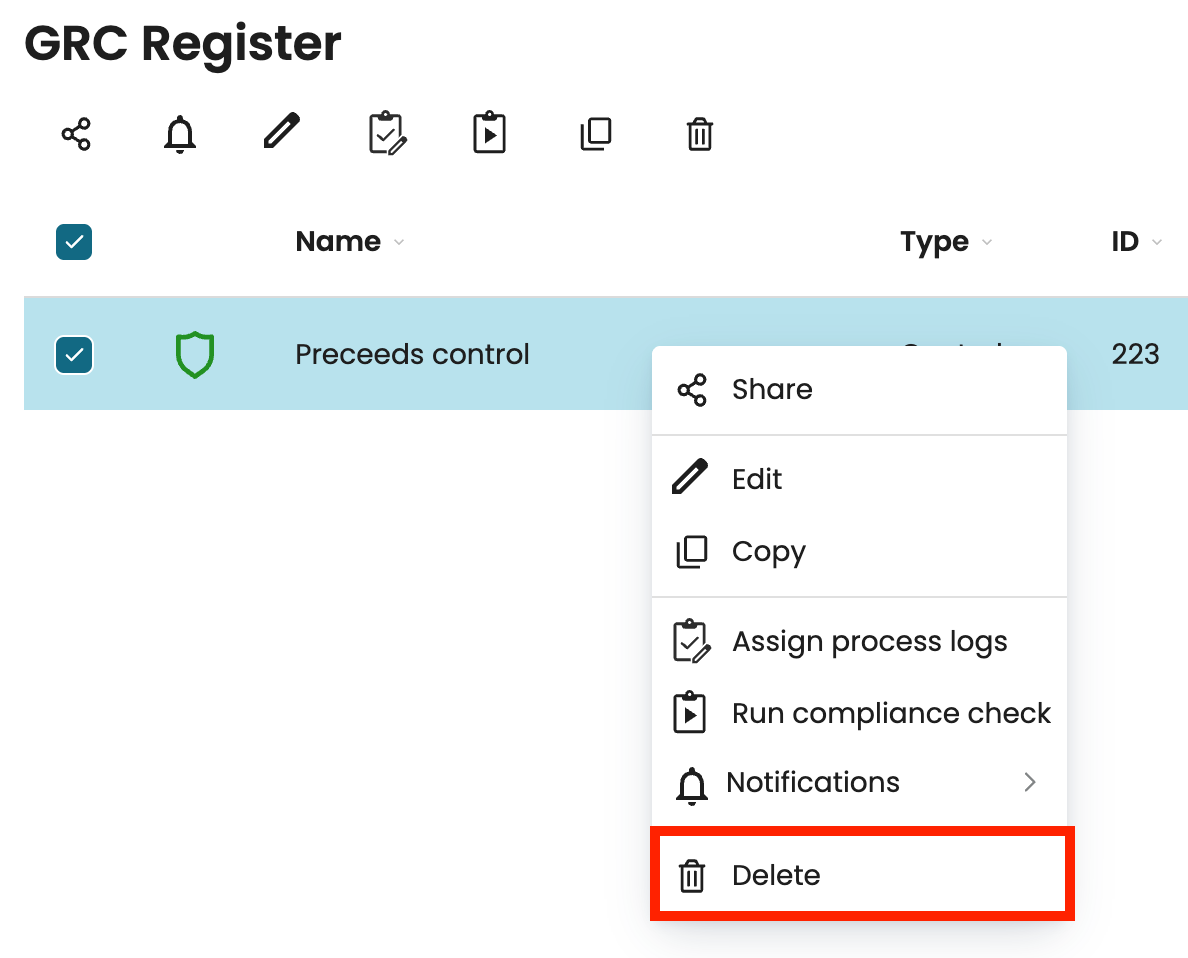
We can also delete multiple compliance items at once by selecting the checkboxes next to the items we want to delete, then click the delete icon at the top of the page.